







-
Pick up from the Woodmart Store
To pick up today
Free
- Courier delivery
Our courier will deliver to the specified address
2-3 Days
Free
- DHL Courier delivery
DHL courier will deliver to the specified address
2-3 Days
Free
Hurry and get discounts on all Apple devices up to 20%
Sale_coupon_15
₨39,500.00
To pick up today
Free
Our courier will deliver to the specified address
2-3 Days
Free
DHL courier will deliver to the specified address
2-3 Days
Free
Payment Methods:
High Power • Smart Management • Gigabit Connectivity for Business Networks
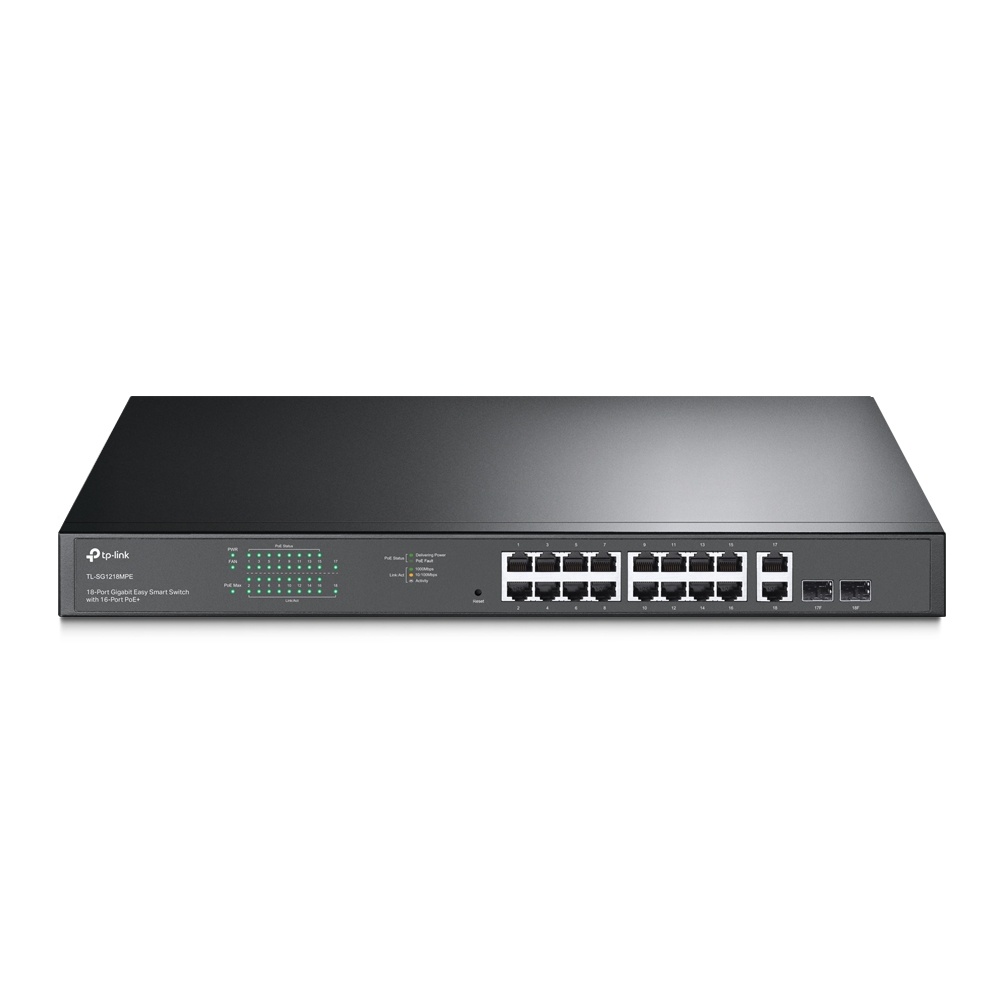
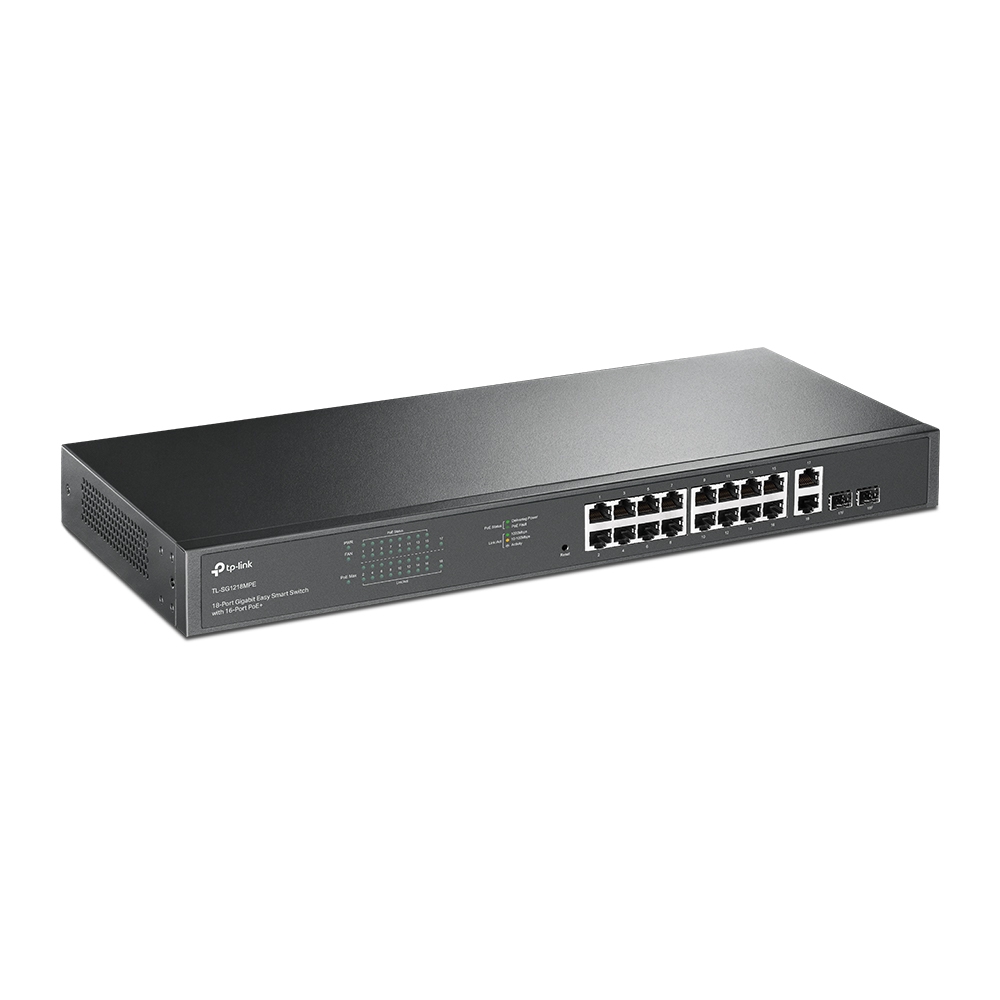
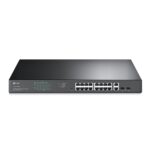
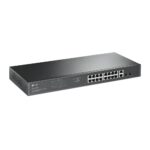
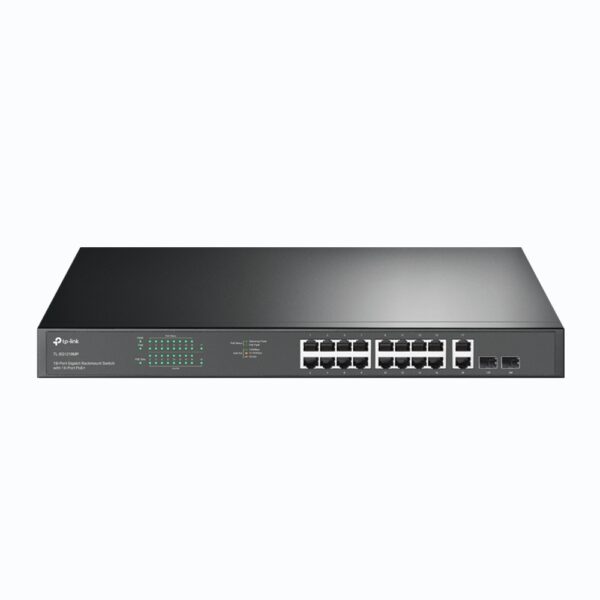
The TP-Link TL-SG1218MPE is an advanced 18-Port Gigabit Easy Smart Switch designed to provide powerful, flexible, and efficient network connectivity. It combines 16 PoE+ ports with 2 additional Gigabit uplink ports, offering both power and high-speed data transfer for your most demanding business applications.
With a total PoE power budget of up to 250W, this switch can simultaneously power devices like IP cameras, wireless access points, VoIP phones, and IoT systems—all through a single Ethernet cable. Compact, durable, and energy-efficient, the TL-SG1218MPE is the perfect choice for small to medium-sized businesses, schools, hotels, and surveillance networks.
Equipped with 16 Gigabit PoE+ ports and 2 Gigabit RJ45 uplink ports.
Provides full-duplex 2000 Mbps connections for every port.
36 Gbps switching capacity ensures data is forwarded at full wire speed without packet loss.
Ideal for bandwidth-heavy environments like HD video surveillance, VoIP communication, and high-speed data sharing.
Complies with IEEE 802.3af/at PoE+ standards, delivering up to 30W per port.
Total PoE power budget: 250W, capable of powering multiple PoE-enabled devices simultaneously.
Eliminates the need for separate power adapters or outlets—simplifying installation and reducing cable clutter.
Automatically detects PoE devices and delivers the right amount of power safely.
Smart PoE management ensures reliable power delivery across all connected devices.
When total power exceeds the limit, the system automatically cuts power to low-priority ports to maintain stability.
Protects the switch and connected equipment from overload, overcurrent, and short circuits.
Per-port power control allows administrators to monitor and adjust power allocation easily.
Offers enhanced configuration through TP-Link’s Easy Smart Configuration Utility or intuitive web interface.
Supports Port-based VLAN, 802.1Q VLAN, and QoS (Quality of Service) for traffic prioritization.
IGMP Snooping optimizes multicast traffic for IPTV or surveillance systems.
Port Mirroring, Loop Prevention, and Cable Diagnostics help identify and resolve network issues quickly.
Ideal for small businesses seeking advanced control without complex setup.
Non-blocking switching architecture ensures maximum throughput for all ports.
IEEE 802.3x Flow Control (Full Duplex) and Backpressure (Half Duplex) keep traffic stable under heavy loads.
Guarantees smooth file transfers, streaming, and real-time communication across devices.
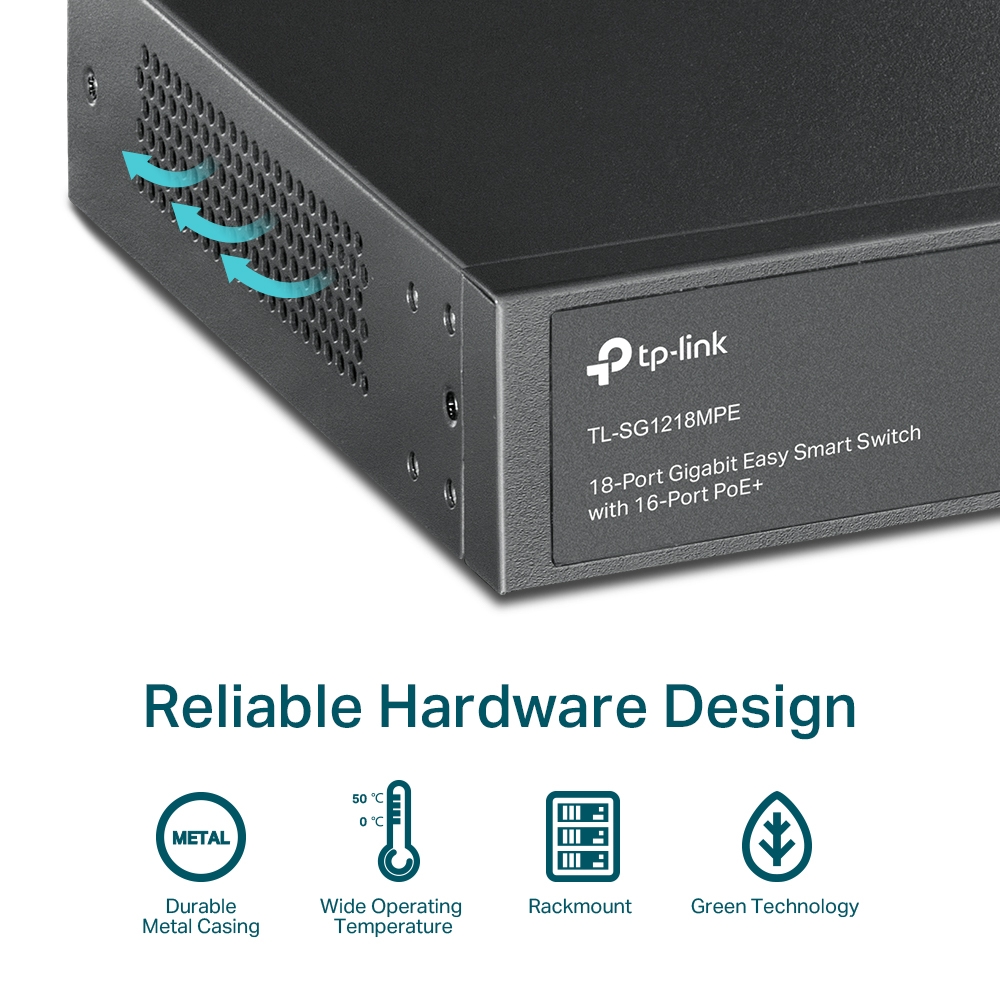
Constructed with a rugged, fanless metal enclosure for silent and reliable operation.
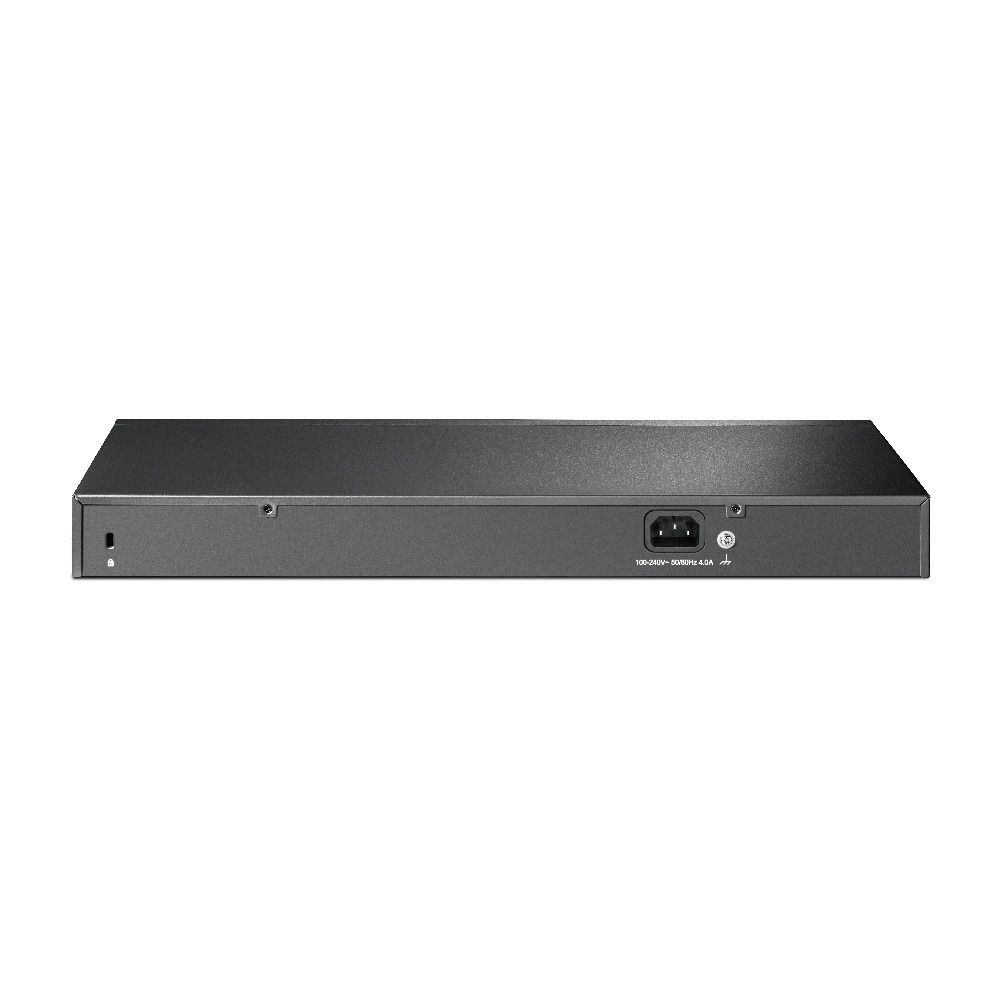
Compact 19-inch rackmount design fits easily into professional network cabinets.
Fanless cooling system ensures quiet performance, perfect for office or classroom environments.
Clear LED indicators for Power, PoE, Link/Act, and Speed simplify device monitoring.
Quickly assess network status, power delivery, and connectivity at a glance.
Built with TP-Link Green Ethernet to minimize energy use automatically.
Detects link status and cable length to adjust power consumption accordingly.
Reduces operating costs and environmental impact without compromising performance.
18-Port Gigabit Switch with 16× PoE+ Ports
250W total PoE budget with 30W max per port
Gigabit speeds ensure smooth and stable data transfer
Easy Smart Management via web interface or software utility
VLAN, QoS, and IGMP Snooping for optimized performance
Metal housing with fanless, quiet operation
Plug and Play setup with optional advanced configuration
Green Ethernet technology reduces energy usage
Rackmount and desktop installation options
No account yet?
Create an Account